Change My Password on BuffaloNYBillPay
Follow the steps below to change your password on BuffaloNYBillPay:
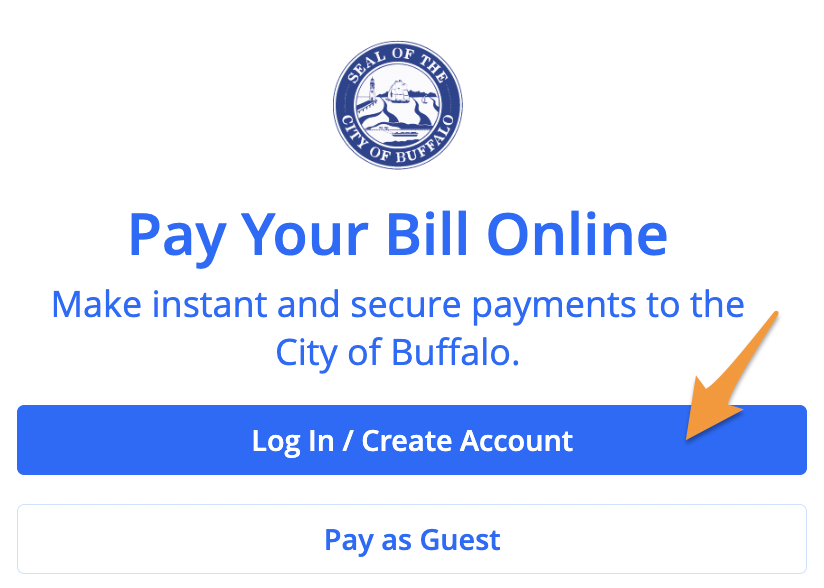
- Log in to your BuffaloNYBillPayprofile
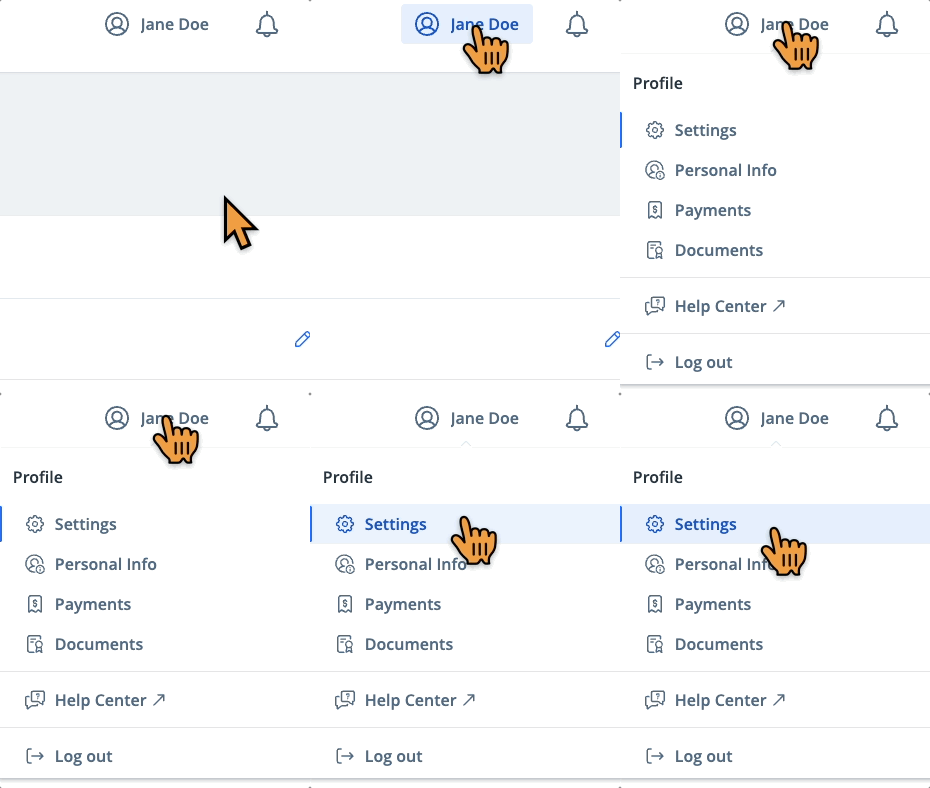
- Select the profile icon in the upper right corner and click Settings
- Click the edit icon to the right of the "Password" field
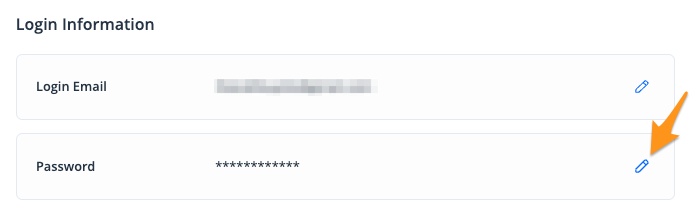
4. Enter your current password then enter and confirm your new password and click Save
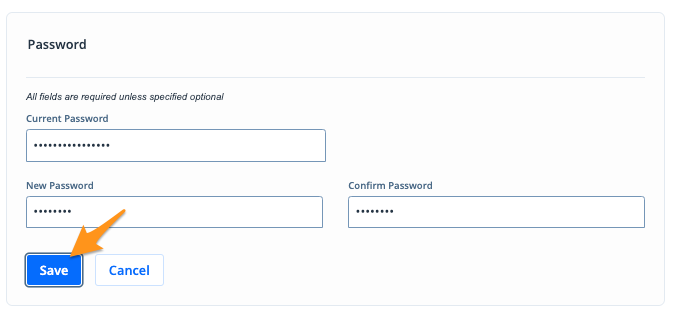
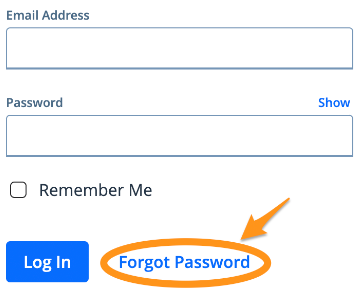
Note: If you have forgotten your password, click Forgot Password from the login screen. Then, enter your email address to have a password reset email sent to you.