Add a Property on BuffaloNYBillPay
To receive email notifications when new bills become available, follow the steps below to add a property tax account to your BuffaloNYBillPay profile.
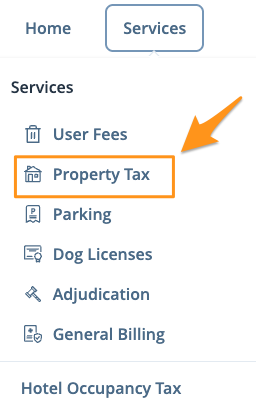
- Log in (see Create a Profile on BuffaloNYBillPay) and select Property Tax from the "Services" drop down menu
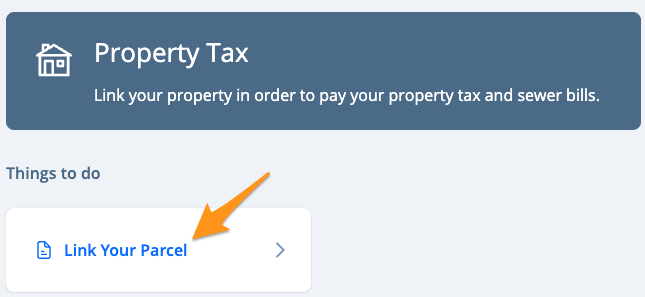
- Click Link Your Parcel
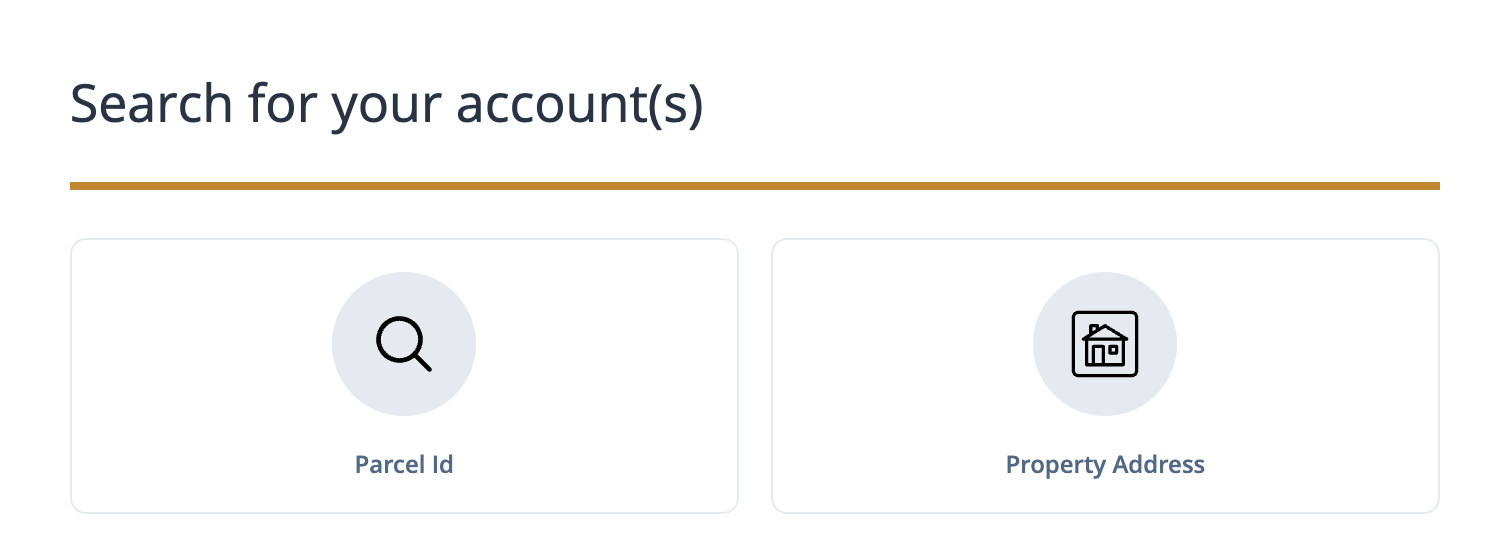
- Select one of the search options to locate your property tax account
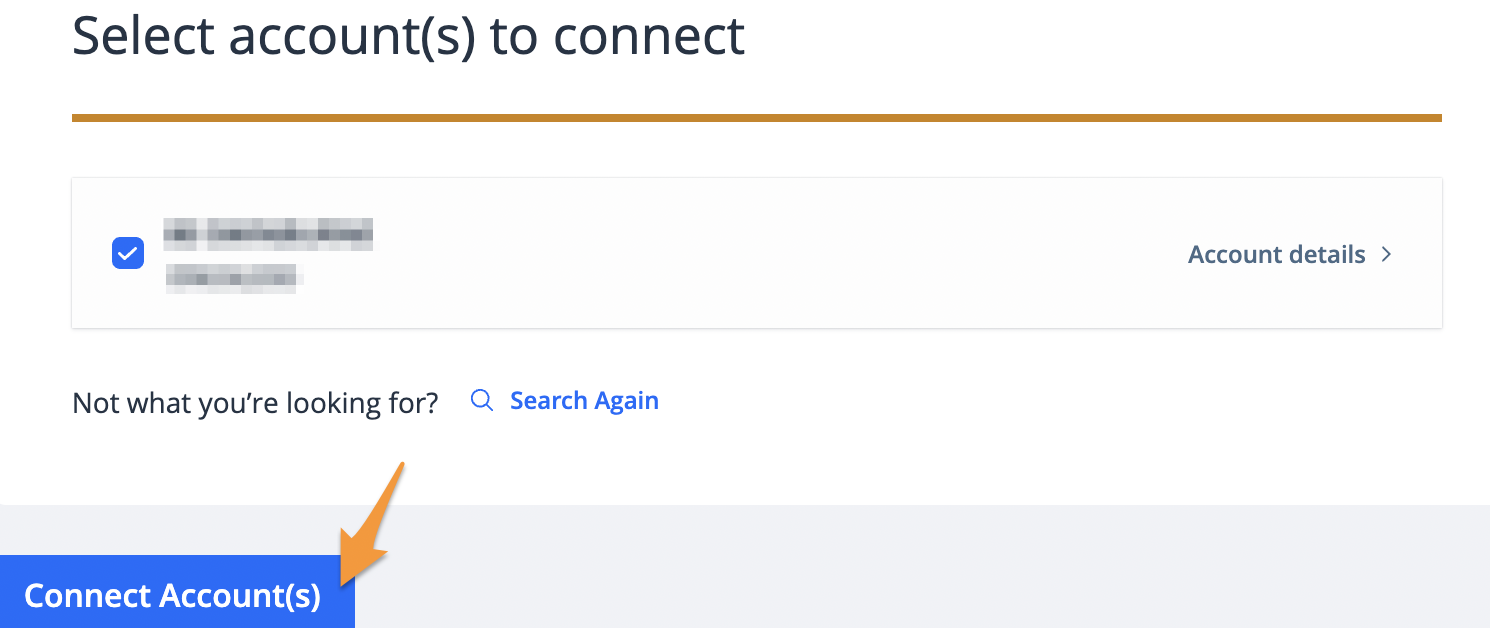
- The result(s) of your search will be displayed. Confirm this is the correct property and connect it to your profile by clicking Connect Account(s). If something does not look right, click Search Again.
Your property tax account is now linked to your BuffaloNYBillPay profile and bills will appear on the dashboard after signing in.